Business travel often means carrying a small office with you. The goal is to bring technology that works, stays charged, and does not put company data at risk. This guide explains which devices belong in your bag, how to secure them, and what is safe to leave at home.
Before you start
Begin with your company IT policies. Many organizations require encryption, a specific VPN, and approval before any work device leaves the country. Ask your IT team which devices are approved for travel, how to connect to the corporate VPN, and what to do if a device is lost, stolen, or confiscated. If you are allowed to use a personal device, ask whether it must be managed by the company before it can access work email and files.
If you are flying, check the current rules from the official agencies. The TSA What Can I Bring page can help you confirm what is allowed in carry-on and checked bags. For domestic flights, remember that REAL ID enforcement began May 7, 2025; review the TSA REAL ID page if you are not sure your license qualifies. International travelers should also review the State Department’s traveler’s checklist and register with STEP before departure.
For the rest of your packing list, the business travel essentials guide covers clothes, documents, and in-flight comfort. This page is the tech-specific view, and it pairs well with the broader business travel planning guide.
Tech checklist by category
Core devices
- Laptop and USB-C PD charger: Bring the charger that came with your laptop or one that supports the fast-charging standard your laptop uses. Check the wattage rating against the manufacturer’s spec sheet before you rely on it. If you use a compact multi-port charger, make sure it can deliver enough power for the laptop while it is running.
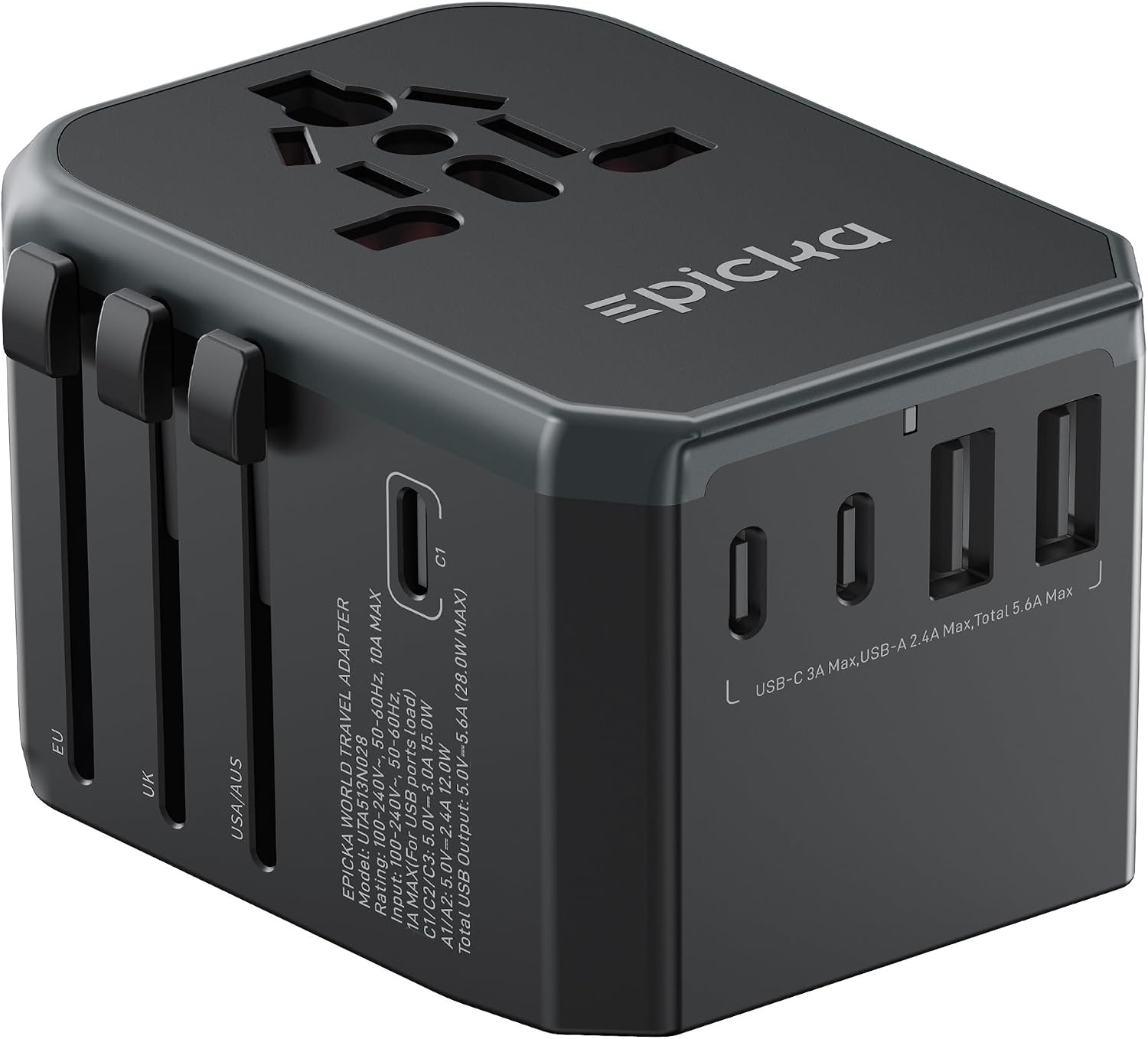
- Compact multi-port charger: Outlets can be scarce in hotel rooms and airport lounges. a compact multi-port charger can charge your laptop, phone, and headphones at the same time, but verify its output matches your laptop before you depend on it.
- Power bank within airline limits: Choose a power bank with enough capacity for your devices, then check the label for its watt-hour rating and compare it with your airline’s limit. Spare lithium batteries and power banks must go in carry-on bags, not checked bags. The FAA PackSafe page has the current guidance.
- USB-C cables: Carry at least one spare charging cable and one spare data cable. Cables fail, get left behind, or end up in a hotel drawer. Label them with a small piece of tape or a colored tag if you share a bag with a colleague.
Presenting and communicating
- Presentation adapters: Bring the adapters you would need to connect your laptop to a projector, television, or conference room display. HDMI is standard in many places, but older rooms may still use VGA. A compact adapter with USB-C, HDMI, and USB-A ports covers the most common setups. Test each adapter with your laptop before you leave.
- Noise-canceling headphones: Noise-canceling headphones make a plane, train, or hotel lobby easier to tolerate, and they double as a headset for virtual meetings. If you take calls, confirm that the microphone works with both your laptop and phone. Keep the charging cable with them, and pick a model that connects without an extra dongle whenever possible.
Security essentials
- VPN and public Wi-Fi caution: Treat every hotspot you do not own as suspicious. Use the VPN provided by your employer, or if you are not given one, choose a reputable VPN service and install it before departure. On airport and hotel Wi-Fi, avoid signing into banking, payroll, or other accounts unless you are connected through the VPN. Fake networks that mimic hotel names are common, so ask at the front desk for the exact network name.
- Screen privacy filter: A privacy filter is a thin panel that attaches to your laptop screen and blocks side-angle views. It is extremely useful on planes, where the person in the next seat can see your screen. Pick a filter made for your laptop size and test it in your usual working position. a laptop privacy screen is easy to pack and takes up almost no room in a bag.
- Device encryption and lock screens: Before the trip, turn on full-disk encryption using your operating system’s built-in tool. Set a strong password or PIN and configure the screen to lock after a short time. A fingerprint or face unlock is convenient, but keep a numeric or alphanumeric passcode as the fallback. If your employer requires a managed device, do not disable any remote-wipe features.
- Backups: Back up all work files before you leave, and bring a way to access the backup without carrying the only copy. Encrypted cloud storage is the simplest choice. If you use an external drive, encrypt it and store it separately from your laptop in your carry-on. Test that you can open a file from the backup before you need it.
- Company IT policies: Re-check the rules before you pack. Some companies prohibit work data on personal phones, require a travel-specific laptop, or have a process for clearing devices before international travel. If you do not have a written answer, ask an IT administrator. Following your company’s process is part of security, not just bureaucracy.
Keep everything with you
- Carry-on only: Keep your laptop, phone, tablet, power bank, adapters, and backup drive in your carry-on. Checked baggage should not contain loose electronics that you need or that hold sensitive data, and spare lithium batteries and power banks must not be checked.
- Keep devices charged: At some checkpoints, officers may ask you to turn on an electronic device to show that it works. Charge laptops and phones the night before you fly, and keep your power bank in an accessible pocket.
- Use a padded compartment: Electronics jostling together in a soft bag can be damaged. Use the laptop sleeve in your bag or a padded organizer for small devices and cables.
What you can skip
A lighter bag is a more secure bag. Leave behind the second laptop charger if your multi-port charger supplies enough power. Skip the portable external monitor unless you know you need it for a presentation; the setup time is usually not worth it on a short trip. Full-size keyboards and mice are fine for long stays, but they add weight and another cable. If you do not use a travel router at home, do not start carrying one on the road.
Do not pack unknown or borrowed accessories. A charger you found in a drawer may not have the right output, and a USB drive from a previous event could contain malware. The same applies to devices with old software. If a device has not received a security update in a long time, leave it at home.
Quick-reference table
| Item | Why it helps | Security note |
|---|---|---|
| Laptop and USB-C PD charger | Keeps you productive on the road | Encrypt the drive and keep it in your carry-on |
| Compact multi-port charger | Charges several devices from one outlet | Confirm it meets your laptop’s power needs |
| Power bank | Backup power during long travel days | Must go in carry-on; check airline limits |
| Presentation adapters | Connects to conference room displays | Test each adapter before the trip |
| Noise-canceling headphones | Blocks cabin noise and improves calls | Keep the charging cable with them |
| VPN | Secures browsing on untrusted Wi-Fi | Install and test it before departure |
| Screen privacy filter | Blocks side-angle views of your laptop | Match it to your exact laptop screen size |
| Encrypted backup | Restores your data if a device is lost | Verify the backup opens before you leave |
Keep this table visible for a minute before you close your bag. Each item earns its place only when it helps you work safely and stay connected.
FAQ
Can I bring a power bank in my carry-on?
Spare lithium batteries and power banks must be carried in the cabin, not in checked bags, according to FAA guidance. Many airlines list limits in watt-hours, so look at your power bank label and check the official FAA PackSafe page as well as your airline’s current rules.
Do I need a screen privacy filter on every trip?
Not if you usually work alone in a private room. But if your work involves client names, financial data, or proprietary files in public spaces, a privacy filter is worth taking. It also helps you comply with many corporate security policies.
What should I do if a work laptop is lost or stolen?
Report it immediately to your employer and follow their remote wipe and incident processes. Do not try to log in or use a company VPN from a different device unless your IT team tells you it is safe. Change passwords for any personal accounts used on the device from another trusted, secure connection.
Do I still need to take off my shoes at TSA checkpoints?
TSA no longer requires most travelers to remove shoes at standard checkpoints. Screening rules change, so check the current TSA guidance before you travel.
Business travel tech should be dependable rather than flashy. Keep this checklist updated as your devices change, and before every trip, spend a few minutes confirming that backups, encryption, and VPN access are all ready. For more help, see the business travel technology page and the general business travel guide.